
Everything Talklio can do
Talklio is a browser-based private chat for an owner and up to five people. It has end-to-end encrypted messages, photos and voice notes, voice and video calls, replies, reactions, highlights, read receipts and notifications. Messages delete after 24 hours and each space closes after 30 days.
Every screen on this page is a real screenshot from Talklio, taken on a phone. Nothing is mocked up. Prefer to see it moving? Watch the 45-second demo. Here's what you get, and just as usefully, what you don't.
Private spaces for up to five people
A space is the whole of Talklio. The owner picks their own name and password, then adds up to five people and gives each of them a password. Talklio tidies up the rest.
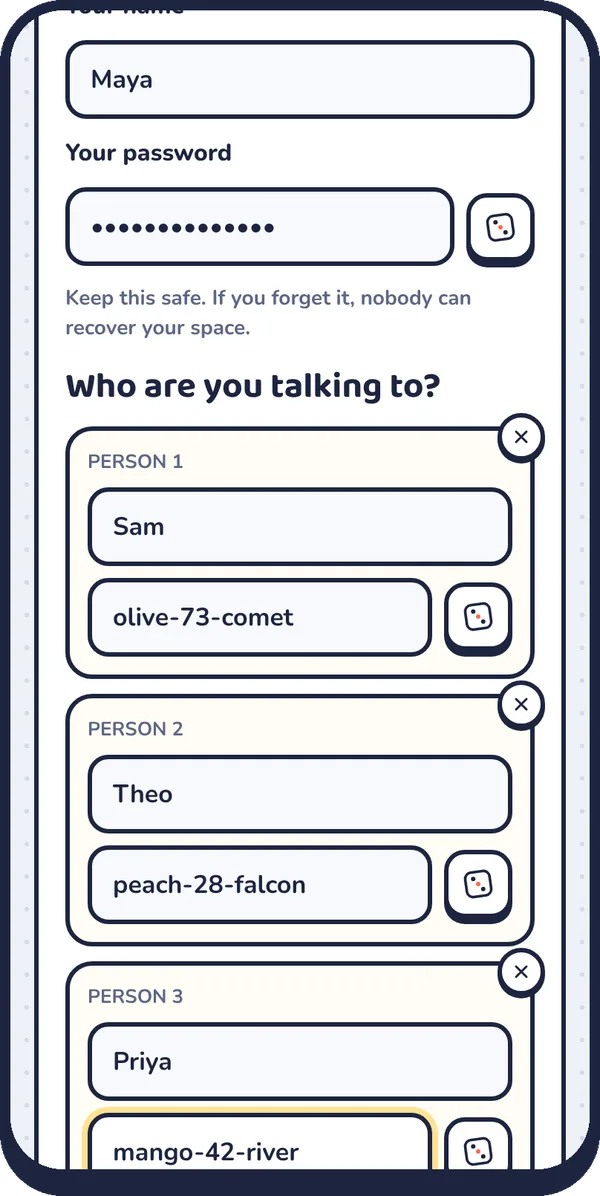
There's no account behind this. When the space closes, every name, password and message goes with it.
One link for everyone
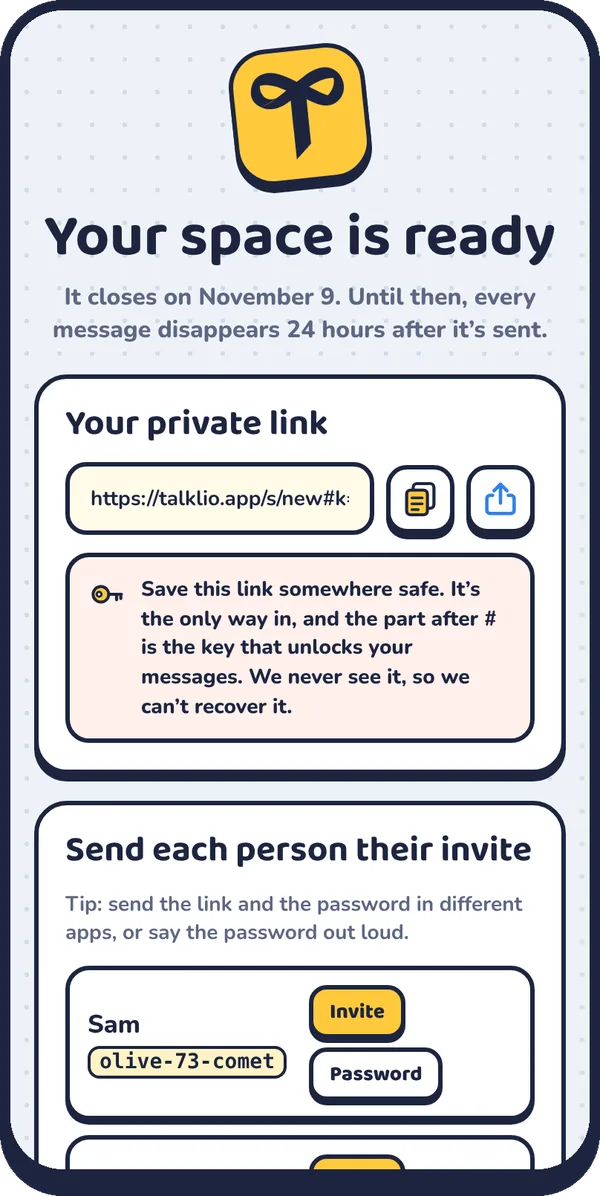
After you create a space, you get one link to share and a ready-made invite for each person. A tap on Invite opens your phone's share menu, and Password copies just that person's password so you can send it somewhere else.
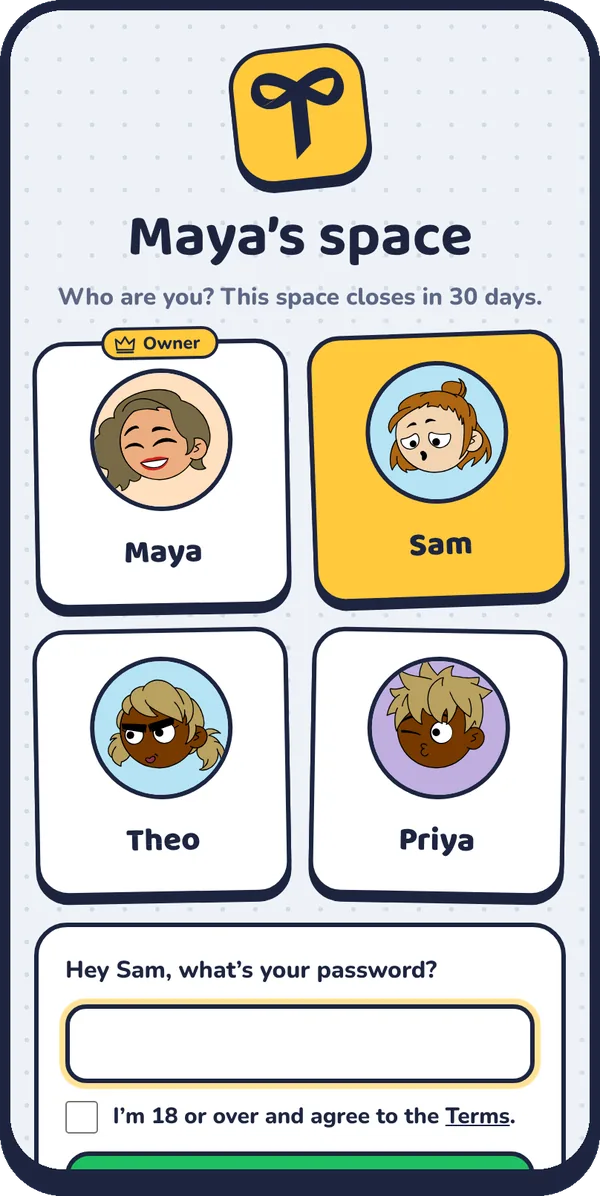
When someone opens the link, they tap their own name and type their password. They don't need to download anything first.
An inbox with one private chat per person
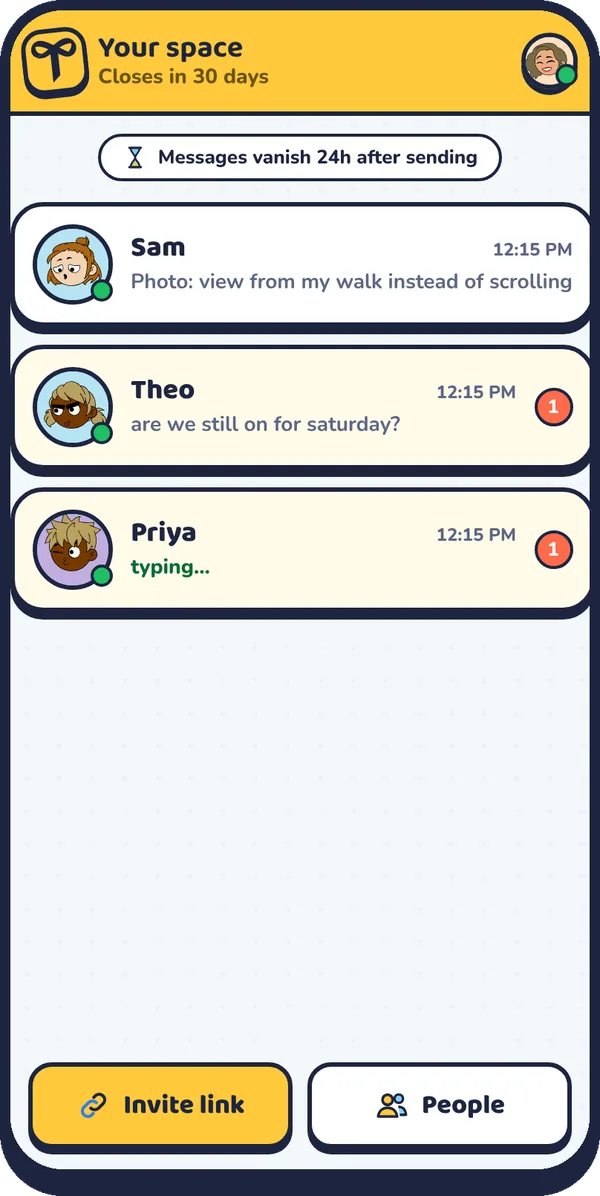
The owner sees an inbox with each person listed separately, along with unread counts, online status and a live "typing…" indicator. Guests only ever see their own chat with the owner.
Messages, photos and voice notes
Chatting feels like any good messenger:
- Text and emoji, with a full emoji picker and big emoji when you send them on their own
- Photos with captions, shrunk on your phone before sending and encrypted end to end
- Voice notes up to three minutes, with a waveform, scrubbing and 1.5× or 2× playback
- Replies that quote the message you're answering
- Edits for your own messages, marked as edited
- Read receipts: one tick when it's sent, a green double tick when it's been seen
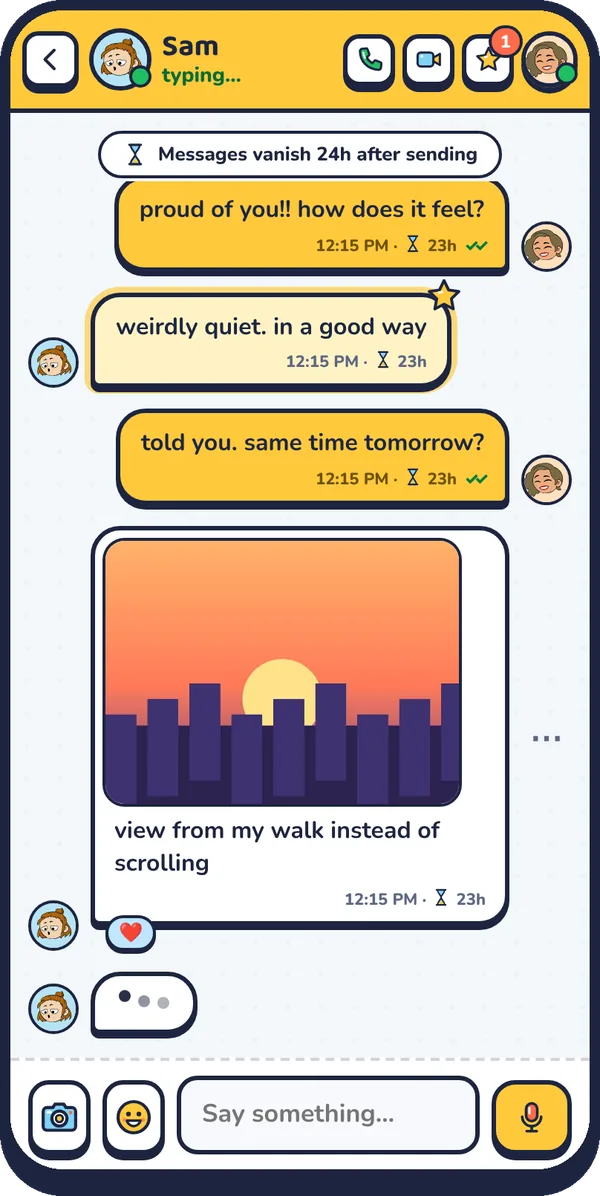
- Countdowns on every message, so you can see how long it has left
Reactions, highlights and message actions
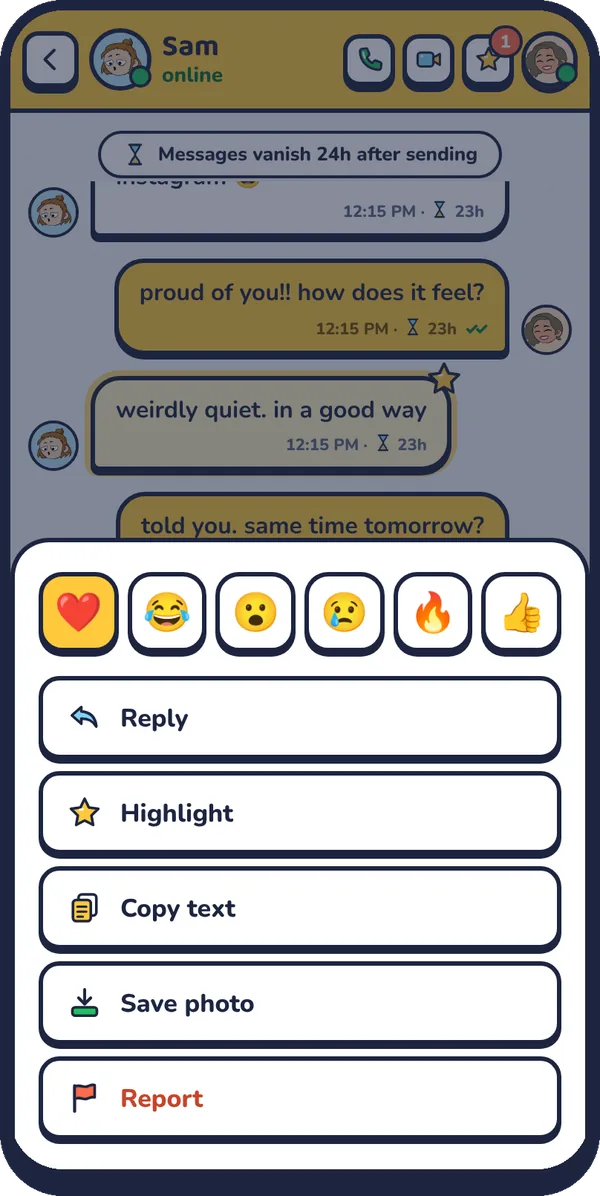
Long-press a message (or right-click on a computer) to react, reply, highlight, copy, save a photo, edit, delete for both of you, or report it. Double-tap to send a quick heart.
Highlights are Talklio's answer to "how do I find that thing they said earlier?" Star a message and it shows up under the star button at the top of the chat until it expires.
Voice and video calls
Call from the top of any chat. Talklio rings with a ringtone and a full-screen call screen. During the call you can mute, switch the camera off, flip between front and back cameras, and see a timer. Calls connect straight between devices where possible and are encrypted the whole way, as we explain on the security page.
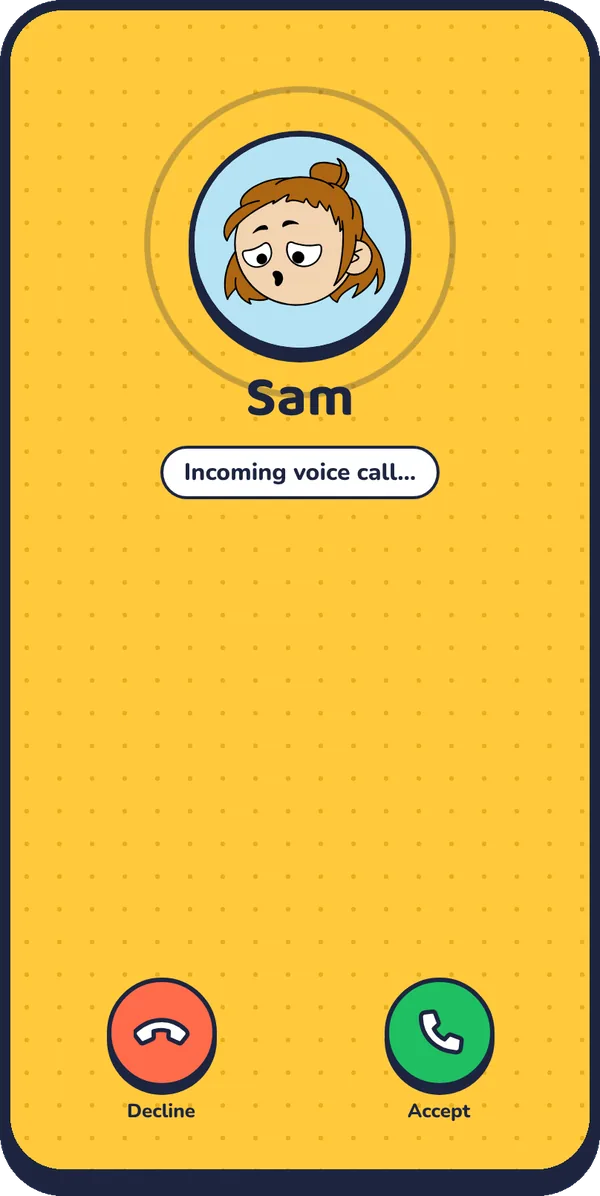
Missed calls, declined calls and finished calls (with their length) show up in the chat, and they disappear after 24 hours too.
Notifications and a home-screen app
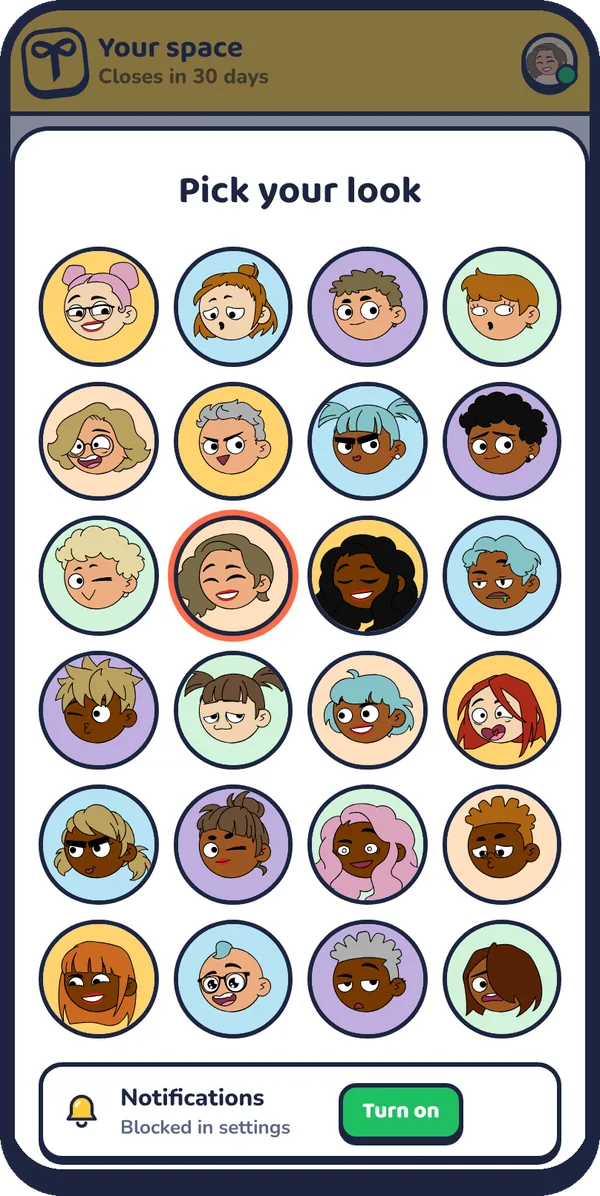
Add Talklio to your home screen and it opens full screen like any other app. Switch on notifications and you'll hear about new messages and incoming calls even when Talklio is closed. On iPhone, Apple only allows this for web apps that have been added to the Home Screen, so Talklio walks you through it.
Controls for the owner
- Add someone while the space is open (up to five in total)
- Reset a password if someone forgets theirs, which logs them out everywhere
- Remove someone, which deletes your whole chat with them on the spot
- Delete the space now, which wipes everything for everyone
Built-in safety
Everyone confirms they're 18 or over. You can report a message or a whole space from inside the app, guests can leave and delete their chat at any time, and repeated wrong passwords lock a name for a while. More on our Safety center.
What Talklio doesn't do
Knowing the limits helps you choose the right tool:
| Not included | Why |
|---|---|
| Group chats | Each person gets a private chat with the owner, on purpose |
| Message history beyond 24 hours | Everything deletes itself so nothing can leak later |
| Backups or exports | There's nothing kept to back up |
| File attachments like PDFs | Photos and voice notes only, to keep it light |
| More than five guests | It's built for a few close people, not a community |
| A phone number or email login | Your link and password are all you need |
If you need groups or permanent history, a messenger like Signal or WhatsApp is the better fit. Our comparison pages are honest about that.
Frequently asked questions
Does Talklio have voice and video calls?
Yes. You can start a voice or video call from any chat. Calls are encrypted between devices using WebRTC, and you can mute, turn your camera off or flip cameras mid-call.
Can I send photos and voice notes on Talklio?
Yes. Photos (with optional captions) and voice notes up to three minutes are end-to-end encrypted and disappear after 24 hours like everything else.
Does Talklio have read receipts and typing indicators?
Yes. You'll see when the other person is online, typing or recording a voice note, and your messages show a double tick once they've been read.
Is there a Talklio app to download?
You don't need one. Talklio runs in your browser, and you can add it to your home screen so it opens like an app, with notifications.